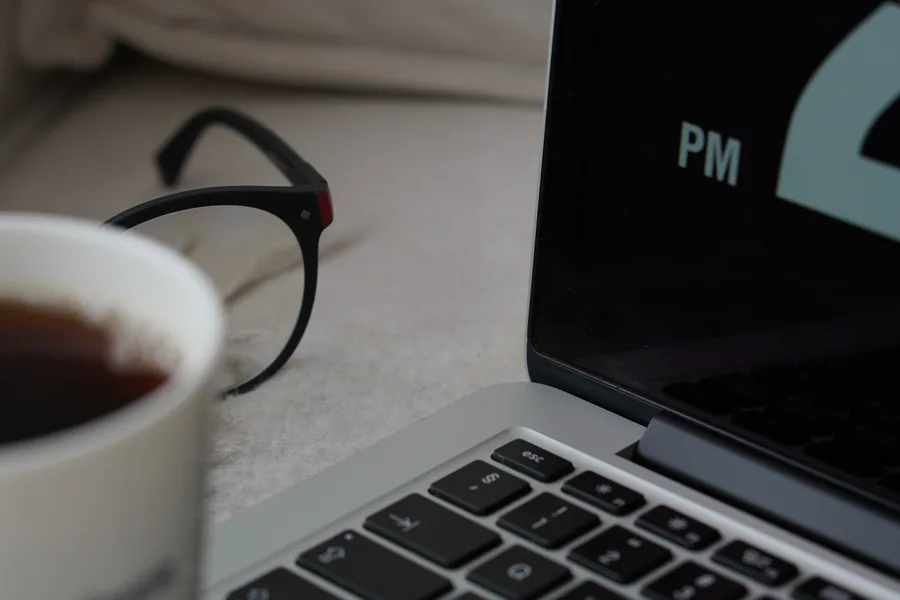
Spilled Liquid on Your MacBook? What to Do in the First 10 Minutes
What you do in the first few minutes determines whether it's a $150 repair or a completely fried motherboard.
That Stomach-Drop Moment
Coffee, water, wine at a work meeting in a Rittenhouse café, or just a glass tipping over on the desk. Liquid spills are one of the most common emergencies we handle, and what you do in the first ten minutes matters far more than any decision you make after that.
Dealing with this yourself?
Get a free quote in minutes.
Step 1: Power It Off Immediately (Don't Close the Lid)
Hold the power button until it shuts down completely. Don't close the lid to "protect it" — closing it can push liquid further toward the keyboard and motherboard. The goal is to cut electrical current as fast as possible, because the real damage happens when liquid causes a short while the machine is still powered.
Step 2: Unplug Everything
Unplug the charger right away. If you have the tools and confidence to safely disconnect the internal battery, that's even better — but if you're not sure, don't attempt it. It's better to bring it in as-is than risk damaging something further.
Step 3: Flip It Into a "Tent" Position
Set the laptop upside down in an inverted "V" shape, keyboard facing down, so gravity helps the liquid drain out instead of continuing to seep toward the motherboard.
Step 4: DON'T Use Rice, and DON'T Turn It On to "Test It"
The rice myth doesn't effectively pull moisture out from inside a laptop, and rice dust can end up stuck in the ports. And the temptation to power it on "just to see if it still works" is exactly what can turn a recoverable spill into a permanent short circuit. Wait for a technician to open and inspect it before powering it back on.
"The difference between a $150 repair and a completely fried motherboard is almost always decided in the first ten minutes, not at the repair shop."
What We Do When You Bring It In
We open the laptop, remove the battery immediately to eliminate any active short-circuit risk, and clean the motherboard with high-purity isopropyl alcohol in the affected areas before corrosion has time to spread. The faster you bring it in after the spill, the better the outlook.
Don't Wait to See If It "Dries Out on Its Own"
Liquids with sugar or salt (coffee, juice, soda) are especially damaging because even after the liquid evaporates, the residue stays behind and keeps corroding the motherboard for weeks. At AV Phone Repairs here in Philadelphia, we treat spills as an urgent case — the sooner we see it, the better the odds of saving it without losing your data.
Need expert help?
Our Philadelphia team is ready to inspect and repair your device today with a full warranty.