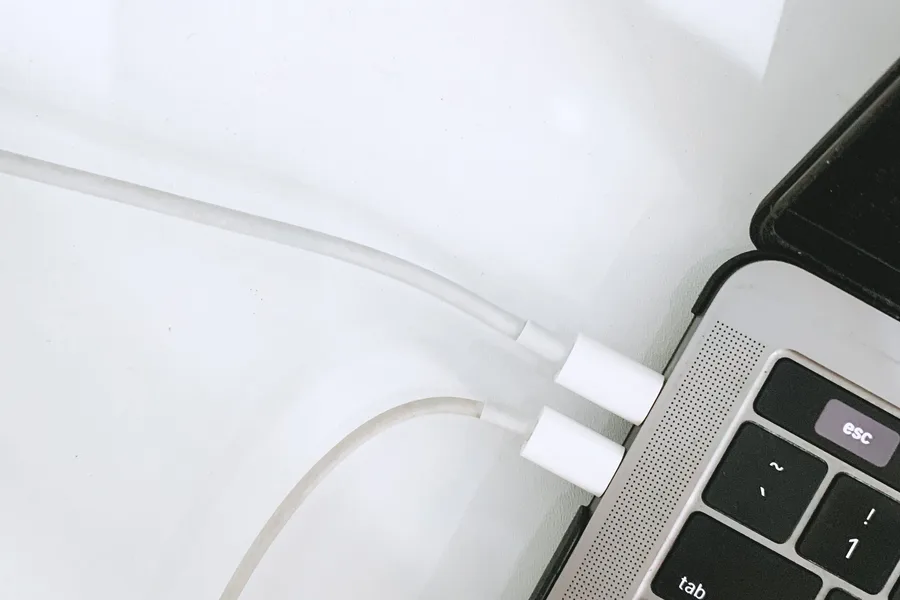
Laptop Won't Charge? How to Tell If It's the Battery or the Port
A two-minute check tells you which one is actually at fault, before you spend money on the wrong part.
The "Not Charging" Icon Nobody Wants to See
You plug in your laptop charger and instead of the lightning bolt you get "plugged in, not charging" — or nothing at all. Before you assume you need a new battery, or worse, a whole new laptop, there's a quick way to tell whether the problem is the battery or the charging port.
Dealing with this yourself?
Get a free quote in minutes.
The Two-Minute Test
Plug in the charger and watch the LED light on the cable or port (most laptops have one). If the light comes on solidly and doesn't flicker when you gently wiggle the cable, but the laptop still won't charge or charges very slowly, the problem is likely the battery. If the light flickers, cuts out, or you need to hold the cable at a specific angle for it to "catch," the problem is almost certainly the port or the cable, not the battery.
Signs It's the Charging Port
- The laptop only charges when you angle the cable a specific way.
- The port looks loose, or the connector goes in without the normal resistance.
- The same problem happens with a different (compatible) charger.
- Charging stops on its own if the laptop shifts slightly on the table.
Signs It's the Battery
- It charges fine while plugged in but dies within seconds of unplugging.
- Windows or macOS shows a "consider replacing your battery" message.
- The laptop bulges slightly at the base, or the trackpad no longer sits flat.
- Battery life is a fraction of what it was a year ago, even at 100% charge.
Why Knowing Which One Matters Before You Ask for a Quote
A charging port swap and a battery replacement are completely different repairs, with different parts and labor time. Knowing which one is actually failing, or if it's both, saves time when you call for a price, and keeps you from paying for a part that wasn't the problem.
"The charging port is one of the most worn parts on any laptop — it gets plugged and unplugged hundreds of times a month."
If You're Still Not Sure, Bring It In
If you've done the two-minute test and you're still unsure, or you tried a different charger and the problem is the same, it's time for a real diagnosis. At AV Phone Repairs here in Philadelphia, we check both the port and the battery together, for free, and give you the exact price before we touch anything.
Need expert help?
Our Philadelphia team is ready to inspect and repair your device today with a full warranty.