How Professional Data Recovery Works in Philadelphia (Even When a Shop Says It's "Unrecoverable")
Data loss and hardware failure are two different problems. Here's how we separate them to recover what looked like it was gone for good.
"Your Data Is Gone" Is Rarely the Full Story
When a phone won't boot, a laptop's drive starts clicking, or a water-damaged device won't power on, the instinct is to assume everything on it — photos, documents, messages — is gone for good. It's one of the most common calls we get at our Philadelphia shop, and it almost always comes in with a note of panic. In reality, data loss and hardware failure are two different problems, and fixing the second one often recovers the first.
Dealing with this yourself?
Get a free quote in minutes.
How Data Is Actually Stored
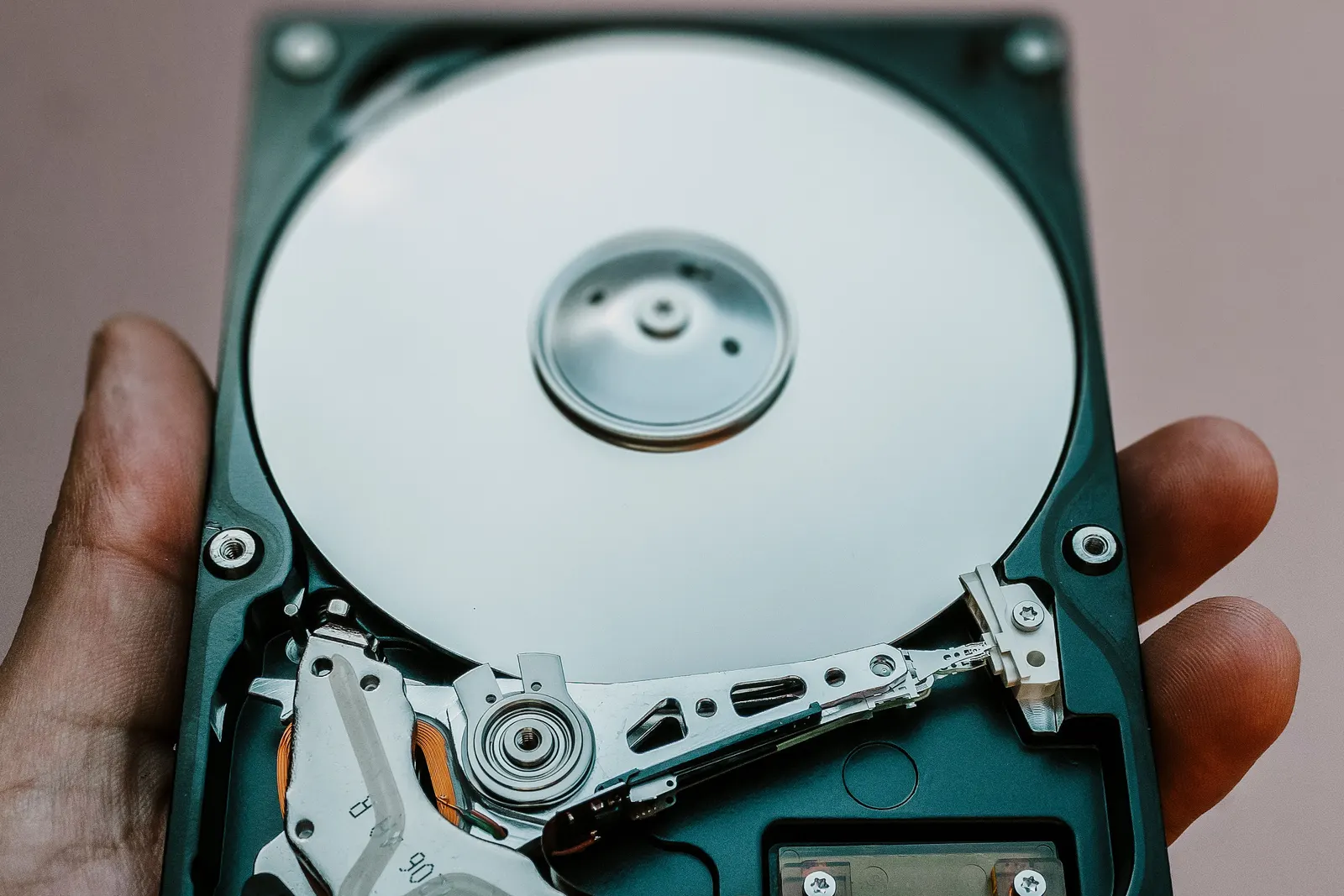
Whether it's a spinning hard drive or a solid-state NAND chip, your files exist as physical patterns on a storage medium that's separate from the rest of the device. A dead motherboard, a cracked screen, or a broken charging port doesn't touch that storage medium at all — it just prevents you from normally accessing it. Recovery is about reaching the storage directly instead of going through a computer that no longer boots.
What We Actually Do
1. Diagnose the Real Point of Failure
Before touching anything, we identify whether the failure is on the storage chip itself, or somewhere else on the board (a power circuit, a connector, corrosion from liquid damage). Most of the time, the storage chip is completely healthy — something else around it just failed.
2. Stabilize the Device Without Powering It Fully On
For liquid-damaged devices, we clean corrosion and rebuild just enough of the power circuitry to safely wake the board — not to make the phone or laptop fully functional again, but to get it stable enough to talk to its own storage.
3. Extract the Data, Not "Fix" the Whole Device
Once the board can boot to a basic diagnostic state, we pull the data off directly to an external drive. This is often possible even when the screen, battery, or charging port are still broken, because none of those parts have anything to do with where your files actually live.
4. Chip-Off Recovery for Catastrophic Cases
In the most severe cases — a badly corroded board that can't be revived at all — the NAND storage chip itself can sometimes be desoldered and read directly with specialized equipment, bypassing the damaged board entirely. This is the same microsoldering skill set we use to save dead motherboards, applied specifically to data.
When "Unrecoverable" Really Means Unrecoverable
Data recovery has real limits. If the storage chip itself suffered physical damage — a crushed board, extreme heat, or corrosion that reached the chip's internal circuitry — no shop can pull data that's no longer physically there. The honest answer is always better than false hope, which is why we diagnose before quoting a recovery attempt.
"A big-box store telling you data is 'unrecoverable' usually means they don't have the equipment to try — not that it's actually gone."
Don't Assume the Worst Before a Real Diagnosis
At AV Phone Repairs in Philadelphia, we diagnose dead phones, laptops, and drives before declaring anything unrecoverable. If your device won't turn on and it's carrying photos or files you can't lose, bring it in before you assume they're gone.
Need expert help?
Our Philadelphia team is ready to inspect and repair your device today with a full warranty.